Installation Instructions (Ubuntu, Redhat, Fedora or Other Linux)
Click here for Installation on Suse
Instructions demonstrate installation of LDAP Admin Tool, same instruction can be applied to install other tools you download from this page (Just replace the Tool Name with the application you downloaded)
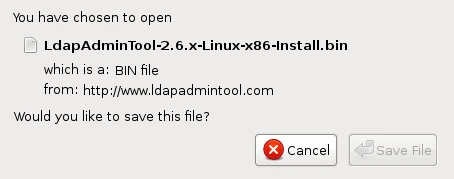
Download the Ldap Admin Tool setup file to a folder on your computer.
Open a terminal window, give the downloaded file executable permission and run the file |
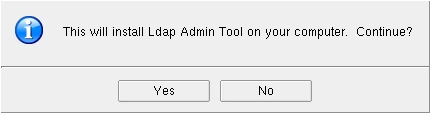
Click "Yes" on the Installation dialog |
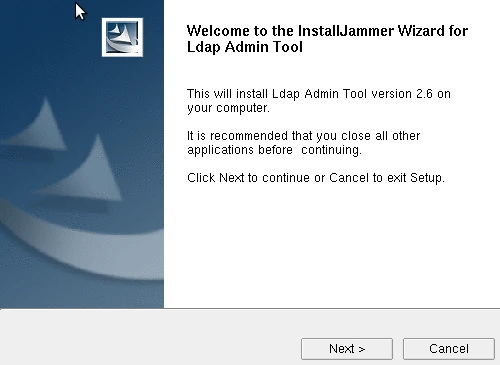
Click Next: |
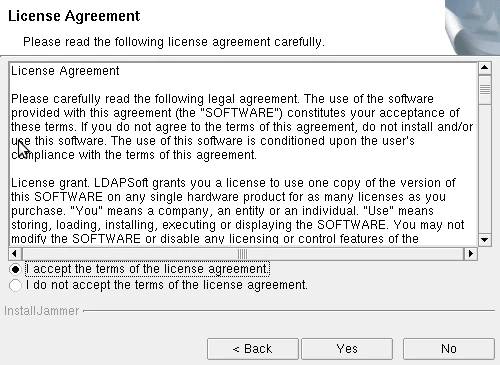
Select the radio button "I Accept the terms of the License Agreement" and click Next:
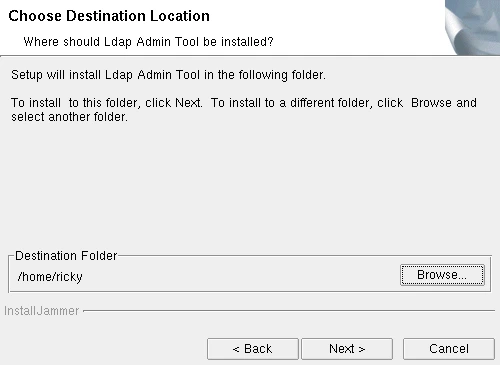
Enter the Installation Location or Click Next for default Location:
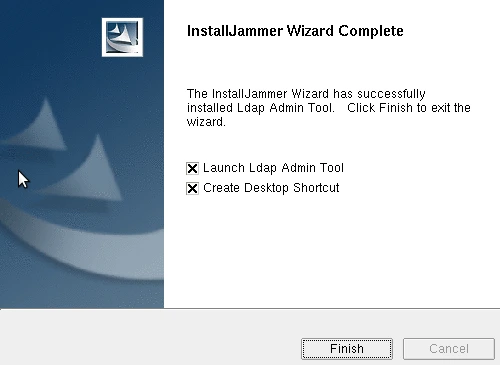
Click Install: Installation of LDAP Admin Tool is now complete, click Finish to Launch Ldap Admin Tool.
|